
Short answer: a free Chess.com account gets one full Game Review per day. Gold does not lift that limit. Unlimited Game Review starts at Platinum, and Diamond adds coach explanations on every move. To review more games without paying, you have three free options: Chess.com's own Self Analysis, importing the PGN into Lichess, or pasting the game link into a browser tool that runs Stockfish for you, such as the free Game Analysis tool on this site.
You played four rapid games tonight, reviewed the first, and now the second one wants a membership. Here is what the limit actually covers and what you can do about the other three.
What each Chess.com plan includes
Chess.com's help article on membership levels (dated July 21, 2026, and describing the plans in force since September 1, 2022) lists these Game Review allowances:
| Plan | Game Review |
|---|---|
| Basic (free) | "1 full game review analysis per day" |
| Gold | No unlimited Game Review in the plan table; Gold gets "everything a basic account gets" plus lessons, puzzles and other extras |
| Platinum | "UNLIMITED game review and analysis" |
| Diamond | "Unlimited Game Review PLUS get coach explanations on all of your moves" |
Two details matter more than the table suggests.
First, the limit is on the full review. Chess.com's Game Review help page says free members "can still use Game Review to see key insights like Accuracy, move classifications, and Self Analysis", while unlimited Game Review and some advanced analysis features need Premium. So after your daily review you are not locked out of the engine. You lose the guided walk-through.
Second, Gold does not include it. If unlimited reviews are the only reason you are upgrading, the plan you want is Platinum or Diamond.
If you like the coach's commentary and use it every day, a membership may well be worth it. If all you want is to see where game two went wrong, you do not need to pay for that.
Option 1: Chess.com's own Self Analysis
The cheapest fix is the one already on the site. Open the finished game, choose analysis instead of the full review, and step through the moves with the engine lines and evaluation bar. When we loaded a game on chess.com/analysis for our PGN import guide, Stockfish started on its own, even signed out.
What you give up is the structure. Nobody tells you which three moves decided the game. You scroll, watch the bar, and find the swings yourself. For a short game that is fine. For a 60-move rapid game it is slow.
Option 2: Import the game into Lichess
Lichess is free, and it says so plainly: "All features are free for everybody, forever!" Its features page lists deep Stockfish 19 server analysis at 40 games per day for both free and Patron accounts, and the analysis board as unlimited. That is a generous, legitimate alternative, and for many players it is enough.
To use it with a Chess.com game:
- On Chess.com, open the finished game, click Share, and download the PGN.
- Go to lichess.org/paste and paste the PGN into the box.
- Tick Request a computer analysis and click Import game.
Two catches, both stated on that page. The analysis checkbox needs a Lichess account ("You need an account to do that"). And an imported game is public: "This PGN can be accessed by the public. To import a game privately, use a study." If you do not want a Lichess account, the analysis board takes the same PGN and runs the engine without importing anything. Our Lichess import guide covers all three import routes in detail.
Option 3: Paste the game link into a browser review
This is the route with the fewest steps, because you skip the PGN entirely. ScanChess Game Analysis takes a Chess.com or Lichess game link and runs a full Stockfish 18 review in your browser tab. No account, no sign-in, no daily count.
Copy the link on Chess.com
- On the website: when the game ends, click Share at the bottom of the right-side panel and copy the URL. Or just copy the address bar of the finished game. It looks like
https://www.chess.com/game/live/123456789(daily games use/game/daily/). - In the app: tap Options in the bottom menu, then Share Game, and copy the link.
Paste it
- Open Game Analysis.
- Paste the link into the box where you would type a username.
- The game loads and the review starts by itself.
You can also skip the box. A link of the form https://scanchess.com/tools/game-analysis?game=https://www.chess.com/game/live/123456789 opens the tool with that game already loading, which is handy to bookmark or send to a training partner. If you would rather pick from a list, type your Chess.com or Lichess username instead and choose one of your latest 10 games. A Lichess link such as https://lichess.org/AbCdEfGh works the same way.
The game has to be finished. That is a technical limit and also the right rule: an engine has no business near a game that is still being played.
What the review shows
- Accuracy for each side.
- Every inaccuracy, mistake and blunder.
- The turning points, each with a one-line reason why the move hurt, and a prompt to find the better move yourself before the answer appears.
- The engine's best move and lines at any position, on the board.
The engine is a lite, single-threaded build of Stockfish 18 running on your device, not a server farm. It searches less deeply than Lichess's server analysis. For finding the blunder that lost a club game that rarely matters. For settling a deep opening argument, use something stronger. The analysis runs in your tab and ScanChess does not keep the game.
It also marks brilliant moves (!!, a sound sacrifice), great moves (!, the best reply to your opponent's error) and misses (a reply that let that error go). What it does not give you is a single-game rating estimate: we tested one on 448,000 rated Lichess games, and one game's accuracy predicted the player's rating barely better than a blind guess. If you want the turning points explained in full sentences, there is an optional AI coach. With a free account, one explanation a day is free, and after that it costs a credit per game. The engine review itself is free however many games you run.
Side by side
| Chess.com free | Lichess | ScanChess Game Analysis | |
|---|---|---|---|
| Full guided review | 1 per day | Server analysis, 40 games a day | No daily limit |
| Account needed | Yes, to play | Yes, to request analysis on an import | No |
| Chess.com game in | Already there | Download PGN, paste, import | Paste the game link |
| Turning points explained | In the full review | Mistakes marked, plus a "learn from your mistakes" mode | One-line reason for each |
| Engine | Chess.com's analysis (server-side Cloud Analysis on Diamond) | Stockfish 19 on Lichess servers | Stockfish 18 lite in your browser |
| Game visibility | Your archive | Imported games are public | Not stored |
Games that were never online
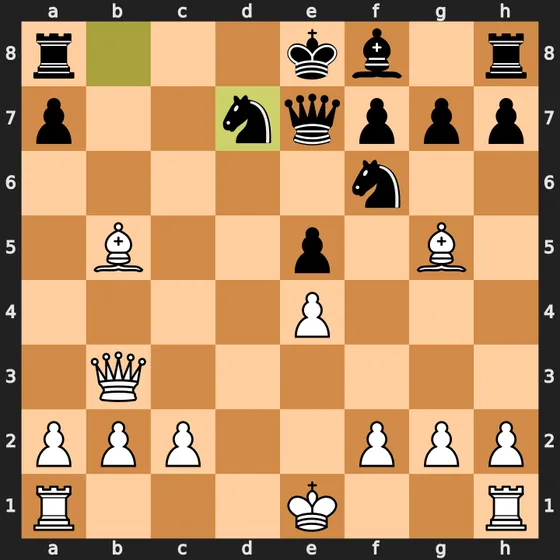
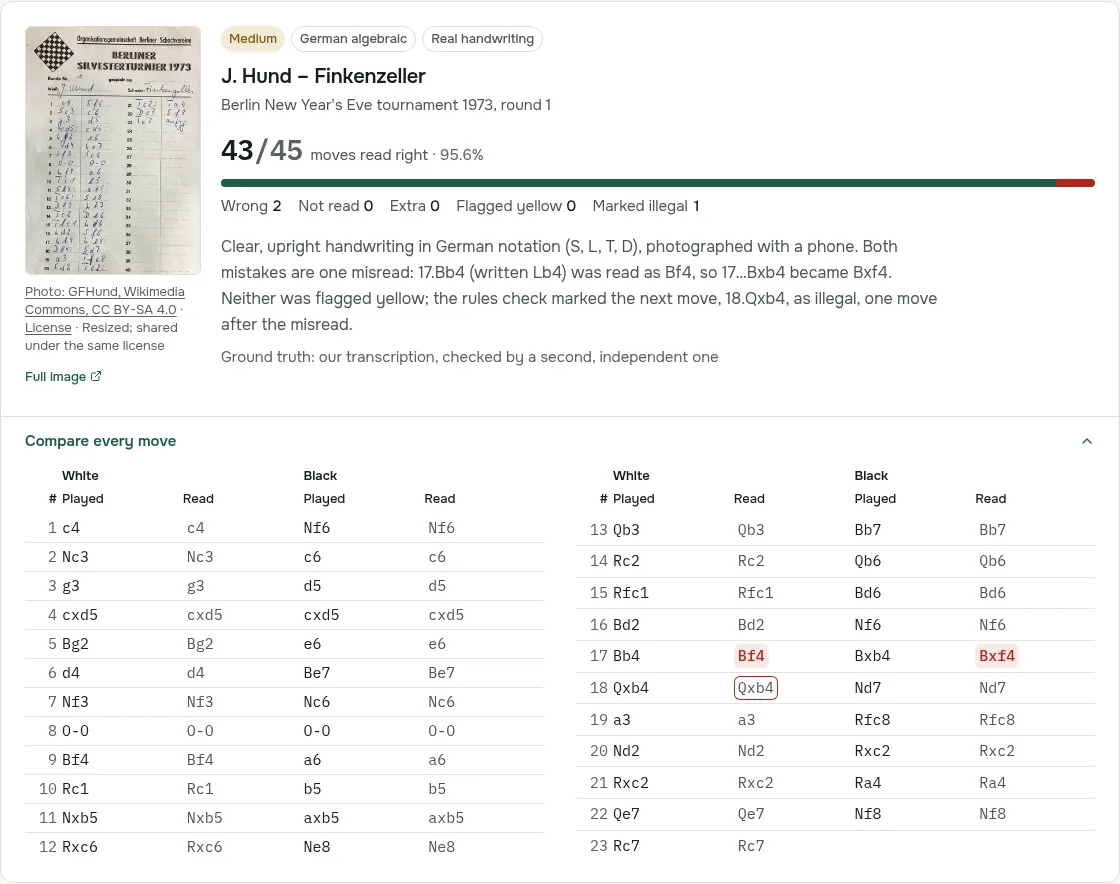
Over-the-board games are not in any archive, so no link will find them. You first need the moves as PGN. You can type them into either site's analysis board, or convert the handwritten scoresheet to PGN from a photo and paste the result into the same Game Analysis box. Our guide to analyzing games from scoresheets explains what to look at once the engine has finished.
So for tonight's other three games: copy each link from Chess.com, paste it into Game Analysis, and read the turning points while the games are still fresh in your head. For the whole year rather than one evening, Chess Wrapped turns the same username into your year in numbers.